
TOEM 2 field guide
TOEM 2 how to play
Step 1: learn what the camera wants
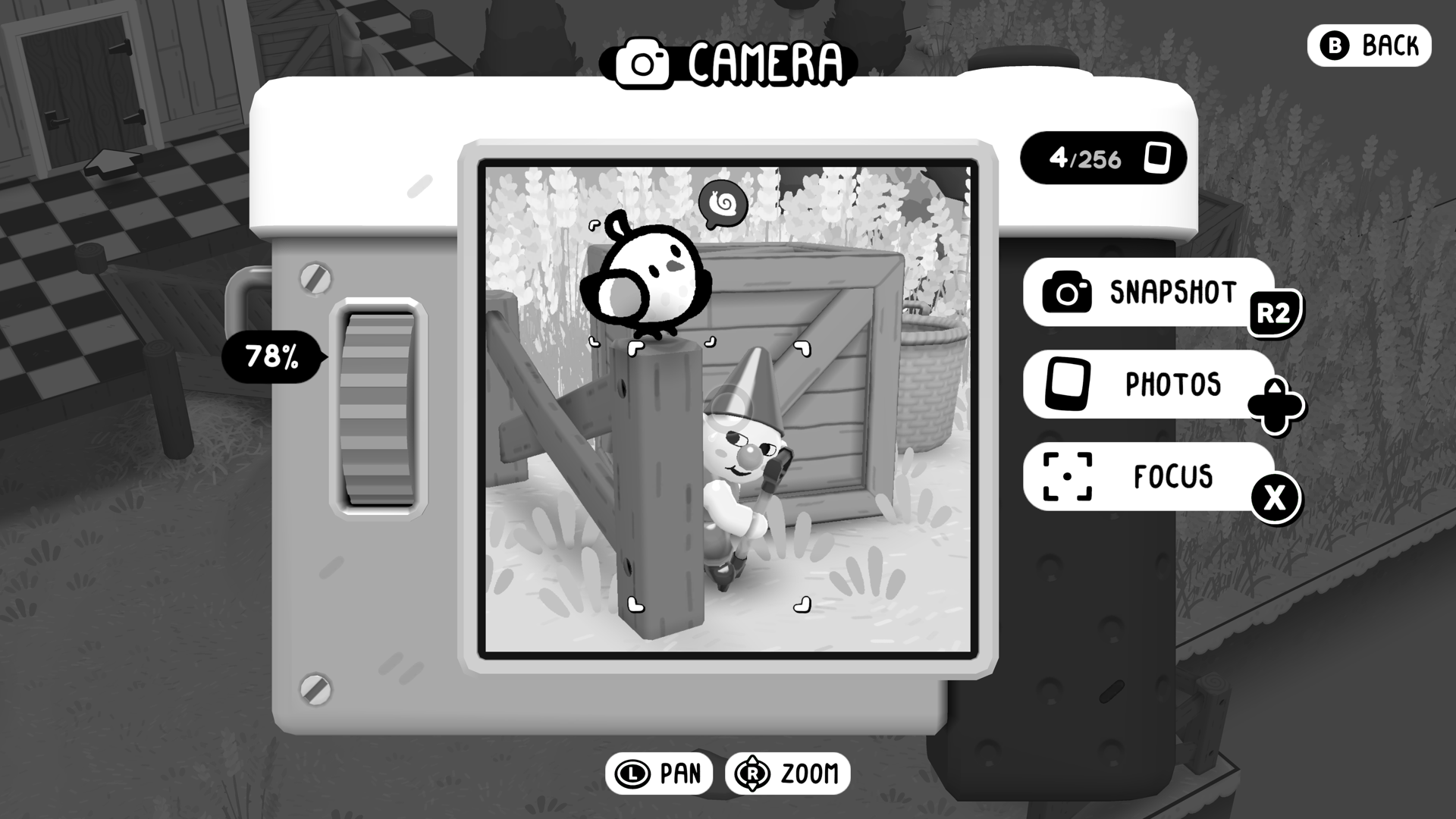
The game opens you into the world with your camera as the only tool you need. Start by taking photos of anything that stands out — the camera snaps pictures to solve puzzles, uncover secrets, and document discoveries, so no early photo goes to waste. When a puzzle needs a picture, the world tells you what it wants; frame the subject, take the shot, and watch the result.
This first stretch also introduces the camera attachments, which handle problems a plain photo cannot. When a puzzle ignores a normal shot, that is the cue to check what the attachments can do.
Do not overthink early shots. A documentation photo counts the same whether its subject is a puzzle answer or a rock shaped like a face, so the fastest habit is: see something odd, photograph it, keep walking. The journal does the sorting.
Step 2: talk to everyone, take the quests
Characters you meet hand out quests, and quests feed the stamp system directly. The official description calls stamps "your ticket to unlocking the next region", and completing quests is one of the three activities that earn them, alongside documenting discoveries and expanding your critter compendium.
So the reliable early habit is simple: talk to everyone you pass, accept what they offer, and tick tasks off as you explore. Nothing expires while you do it — there are no time limits anywhere in the game.
If two quests point the same direction, do them together. Nothing expires, so bundling tasks by area saves backtracking and costs nothing — and talking to every character first is what reveals the tasks worth bundling.
Step 3: use the new movement
When a ledge or viewpoint looks reachable, it is. TOEM 2 adds jumping and climbing, letting you reach angles the series never could before — the official site describes it as seeing the world in a whole new perspective.
Build the habit of climbing to any overlook before leaving an area. The best photo subjects tend to be visible from above, and discoveries you document from new heights feed the journal exactly the way ground-level finds do.
Treat jumping and climbing as camera tools first. When a photo would be better taken from higher ground, the movement system exists exactly for that moment.
Step 4: choose your friends
Some of the people you help will ask to come along. Friends who join you impact your story and its ending, which means your first hour already shapes your final scenes.
There is no announced right or wrong pick, and the game is crafted to be welcoming whether you are a returning fan or brand new. Say yes to the companions you enjoy, and treat a different choice on a second trip as a different story rather than a mistake.
Friends do not change the stamp math — quests, discoveries, and compendium entries work the same with company. What they change is the story, which is why the choice belongs to you rather than to a guide.
Step 5: unlock the next region, then repeat
Once your journal has enough stamps, the next region opens and the loop restarts: new problems for your attachments, new critters for the compendium, new faces with new tasks. Nothing about the loop changes as regions go on — which is the point.
The game is built to be experienced at your own pace with no time limits or tricky requirements for full completion, so an hour in, you already know how the whole trip plays.
A simple checklist for every new region, in order: talk to everyone, walk the main path once, climb every overlook you pass, and only then chase the specific tasks on your journal. By the time you leave, the stamps tend to have earned themselves.
Playing on each platform
The loop plays the same everywhere, with small practical differences. On Steam Deck the game is Verified, so the default controls work out of the box at handheld resolution. On Switch and Switch 2 the same listing plays handheld or docked, and on PS5 it is the single current-generation release — no version waits for another.